Portable Chess Game Notation (PGN) Complete Guide
title: "Portable Chess Game Notation (PGN): Complete Guide"
contentPublished: 2022-06-18
noteCreated: 2025-01-11
tags:
  - clippings
  - article
description: "Portable Chess Game Notation (PGN): Have you ever heard of Steven James Edwards? His name is not so famous in the chess world, but his..."
takeaways:
Status: ✅ Read
url: https://thechessworld.com/articles/general-information/portable-chess-game-notation-pgn-complete-guide/
Original URL: Portable Chess Game Notation (PGN): Complete Guide - TheChessWorld
Explanation of PGN.
Highlights
In the 1990s, chess players started using computers more and more often. It was helpful not only for analyzing chess moves but also, to ease the process of searching for games. In the pre-computer era, chess players would travel to the tournament with big bags full of chess books and magazines. It got to be much more convenient to bring only a computer or a laptop with them to the tournaments.
Portable Chess Game Notation – The Week In Chess
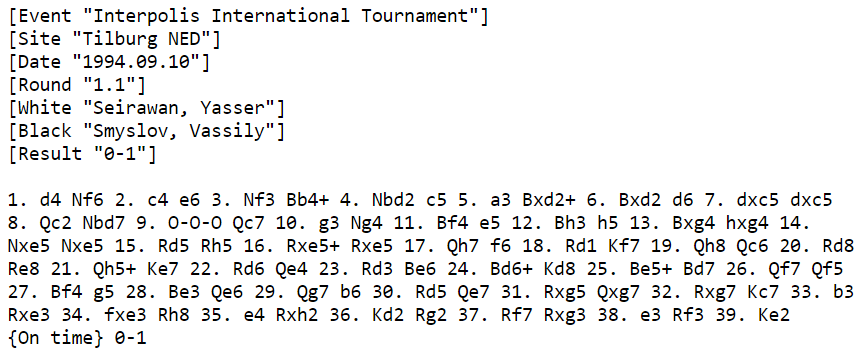
In 1994, information scientist Mark Crowther started using the PGN format for posting important games that he had collected from different newspapers and magazines. He kept doing that every week, and this is how The Week In Chess got started. This famous project has been live for almost 30 years now. Also, all sorts of chess professionals widely use it.
This is what the first game published by Mark looked like:
How do you open PGN?
As we mentioned before, nearly any chess application supports PGN. The most popular software for working with chess databases is still ChessBase. It is a powerful tool for chess professionals. If you don’t need all the functions ChessBase provides for its users, you can get the ChessBase Reader for free. Another professional tool of that kind is the Russian ChessAssistant.
There are also many free options, for example:
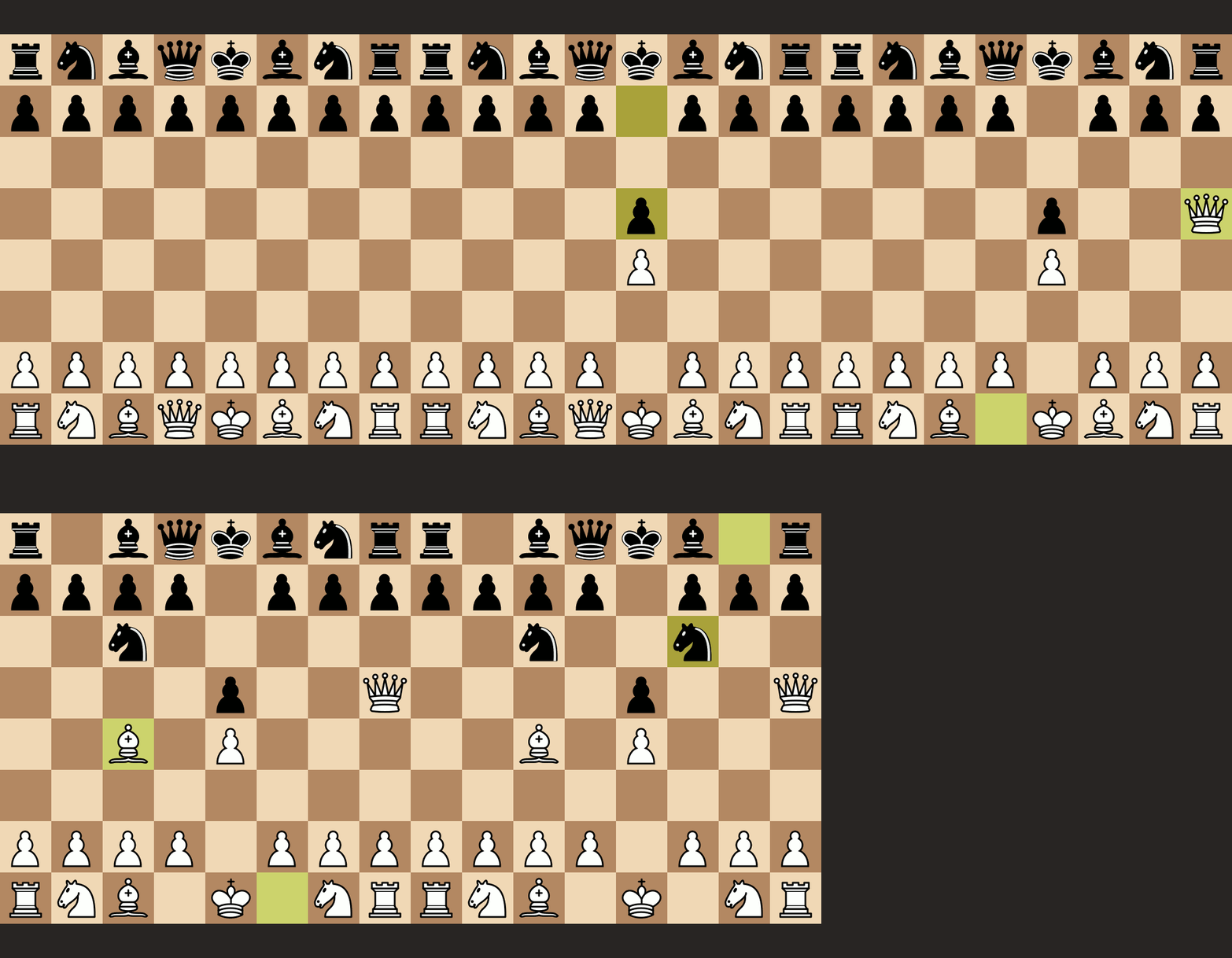
Chess.com and lichess.org also provide their users with the tools for opening, sharing, and editing PGNs. It even allows the creation of GIF animations from the PGN-file of any game you have played.
The structure of Portable Chess Game Notation (PGN)
A PGN-file is basically a text file that a person or software writes in a certain way. It consists of two main parts: the game data and the text with the moves. The first part must include 7 tags: event, site, date, round, white, black, and result. There can also be additional tags to give the information of the annotator, time format, and things like that. The moves are written with the use of an algebraic chess notation.
You can see a sample PGN given in the specification by Steven J. Edwards:
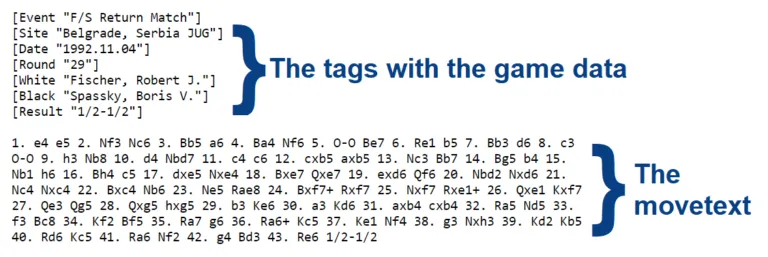
The tags have to be opened and closed with square brackets; the tag’s name has to be written after the first bracket; then, the tag’s value within quotation marks has to follow it. It is also possible to add variations; you should use round brackets for that. To add annotations to the moves, you should use curly brackets.
This is how the move text part could look with annotations:
1\. e4 e5 {A surprising move. I didn’t expect this from my opponent.} 2. Nf3 Nc6 3. Bb5 a6 {Here I was thinking about taking on c6, but eventually decided to preserve my bishop.} 4. Ba4 ({Usually, I play} 4.Bxc6) 4…Nf6 5. O-O Be7 6. Re1 b5 7. Bb3 d6 8. c3 O-O {etc.}