Using Obsidian as a Gaming Backlog Library
title: Using Obsidian as a Gaming Backlog Library
contentPublished:
noteCreated: 2024-12-28
tags:
  - clippings
  - article
description: How to use Obsidian as a gaming backlog library. Get a long-lasting overview of games you want to and have played.
takeaways:
Status: ✅ Read
url: https://bryanhogan.com/blog/obsidian-gaming-backlog
publish: trueHighlights
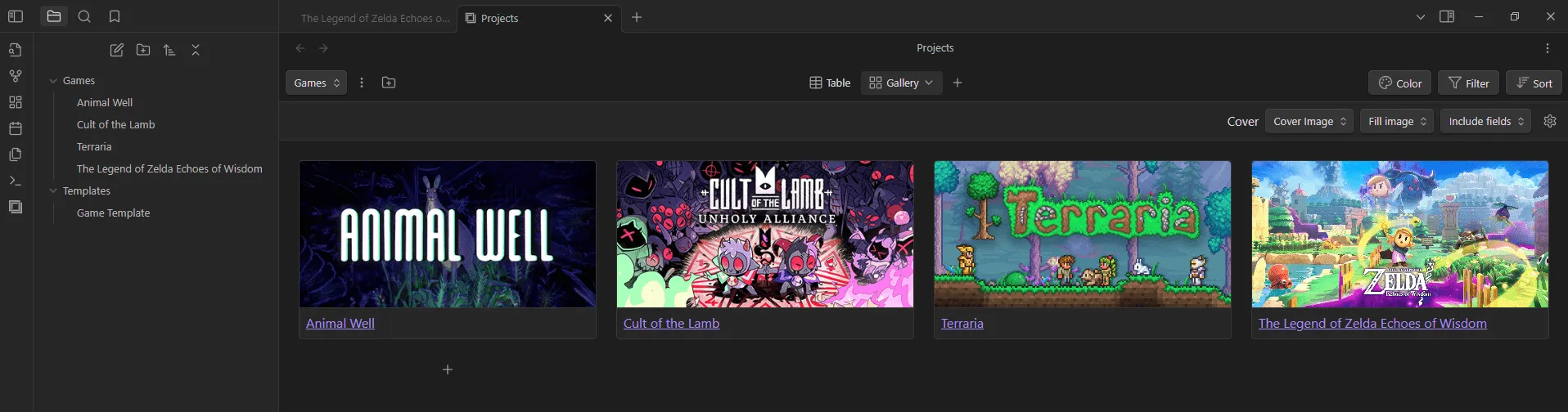
How it looks using way 1, the “Projects” plugin:
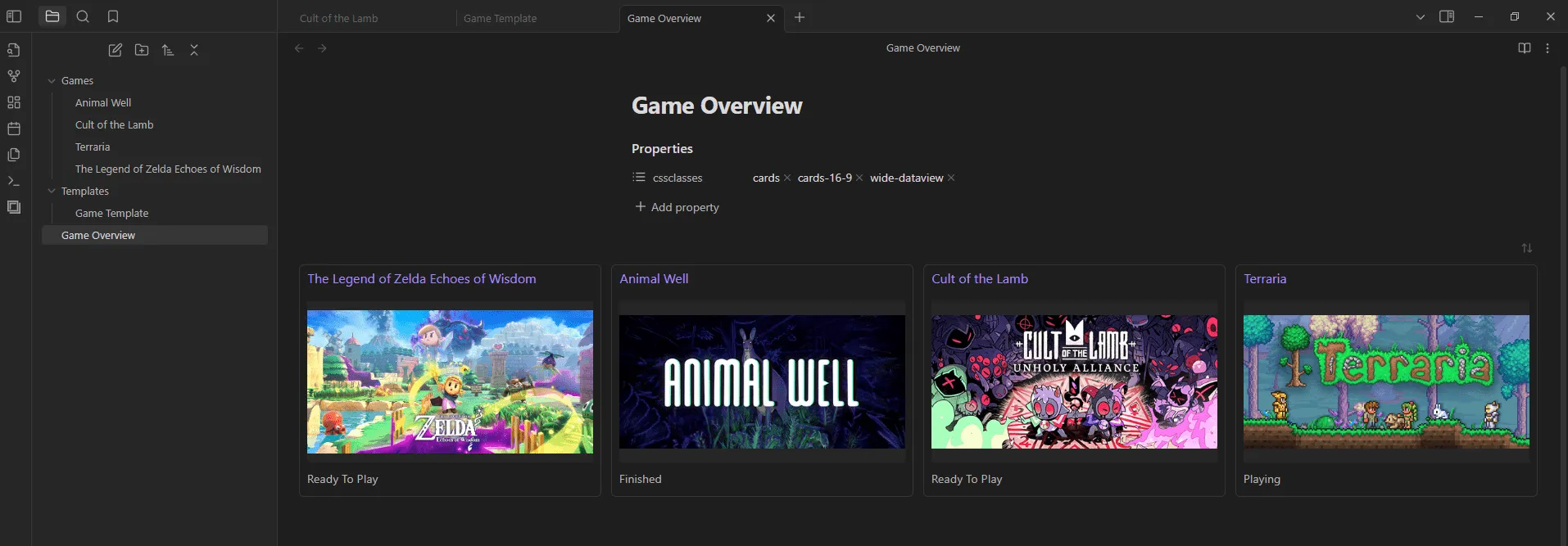
How it looks using way 2, “dataview” plugin with custom styling via CSS snippets:
Using the “Projects” plugin
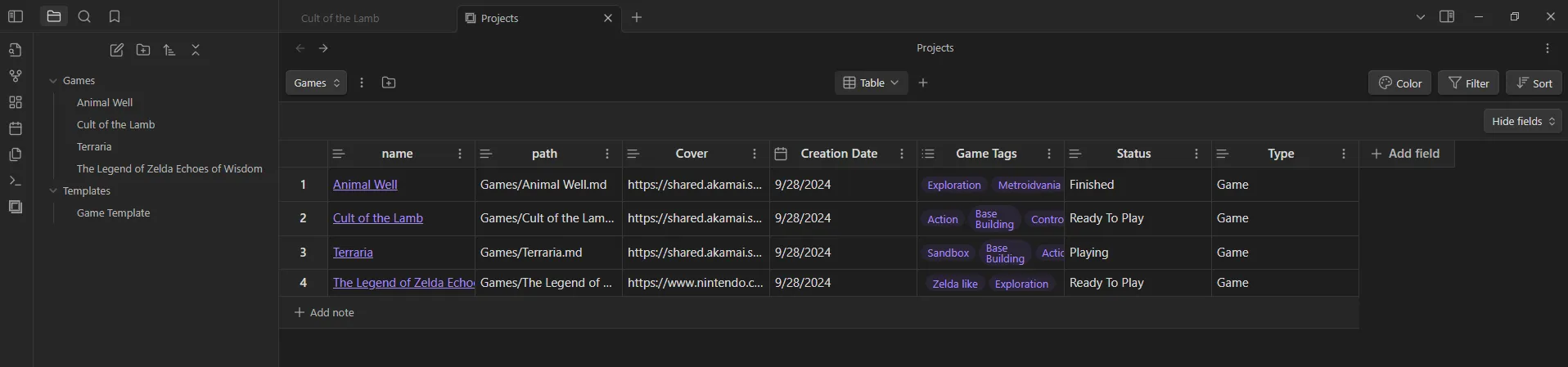
A simple way for managing your game entries is by using the “Projects” plugin.
Now you can click on the Open projects icon on the far left. You will get a view that should look somewhat like the following.
Using the “dataview” plugin with CSS snippets
Another way to display the game entries can be achieved by using the Dataview plugin and CSS snippets.
Then add the following code:
\`\`\`dataview
TABLE "" AS "Cover", status
FROM "Games"
\`\`\`
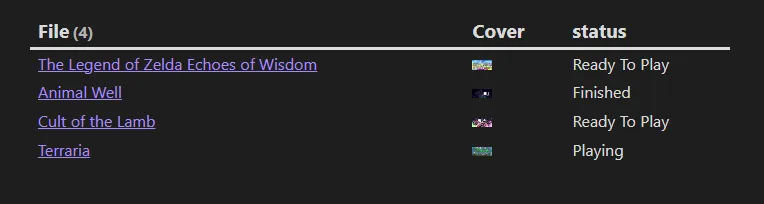
How it should look in reading mode:
We will use two snippets: Cards and Wide Views.
Download them: Cards Snippet Download & Wide Views Snippet Download.
But we haven’t used the Wide Views CSS snippet yet. So what do we use it for? Well, for, for wide views!
Include wide-dataview (and make sure both CSS snippets are active in the settings) and voilà! Less wasted space, I think this makes this view much nicer.
\`\`\`dataview
TABLE "" AS "Cover", status
FROM "Games"
WHERE status = "Playing"
\`\`\`
- The Game Search Plugin. With it you can quickly make new game entries and automatically add metadata information such as release date, publisher, Metacritic score and more.
I don’t use the Game Search Plugin as I don’t find the information it adds useful, but I do use the Book Search Plugin.